
v5x term
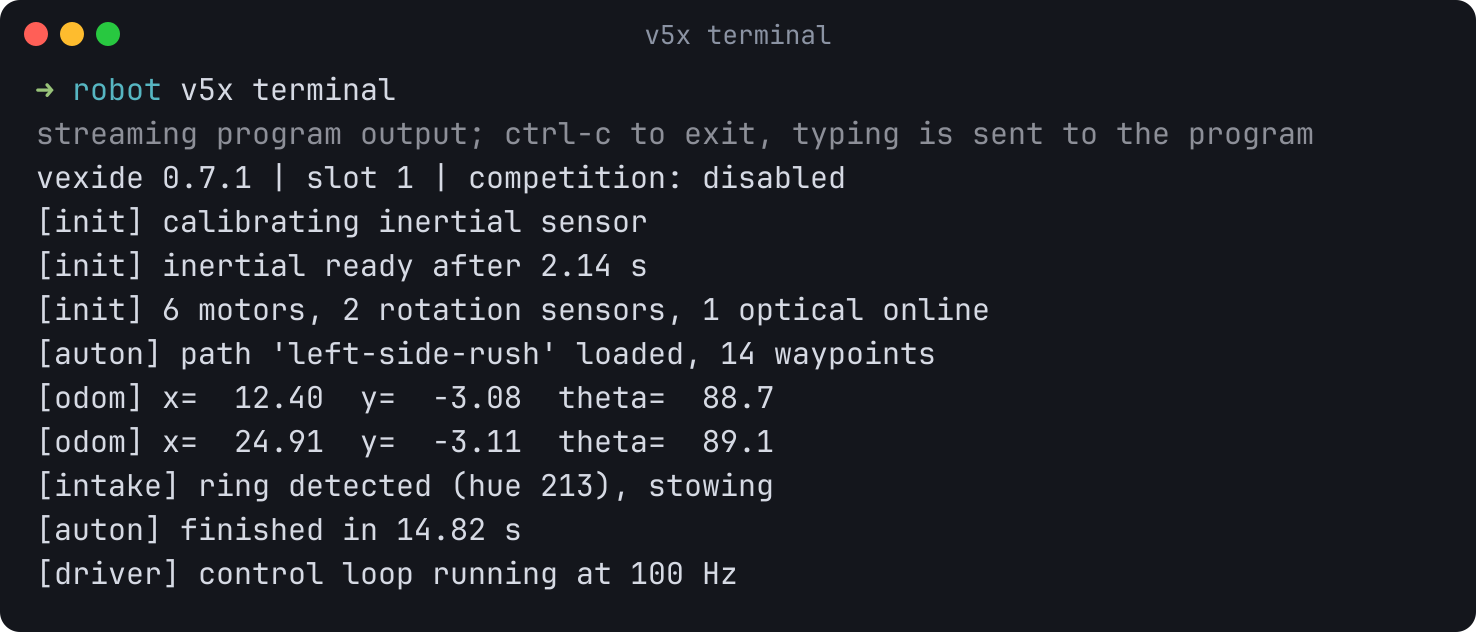
terminal attaches to the program already running on the brain and prints
everything it writes to stdout and stderr. Press ctrl-c to
detach; the program keeps running.
 Only program output goes to standard output, so redirecting captures exactly
what the program printed:
Only program output goes to standard output, so redirecting captures exactly
what the program printed:
Sending input
On an interactive terminal, keystrokes are forwarded to the program’s standard input as you type. Piped input works too:boolean
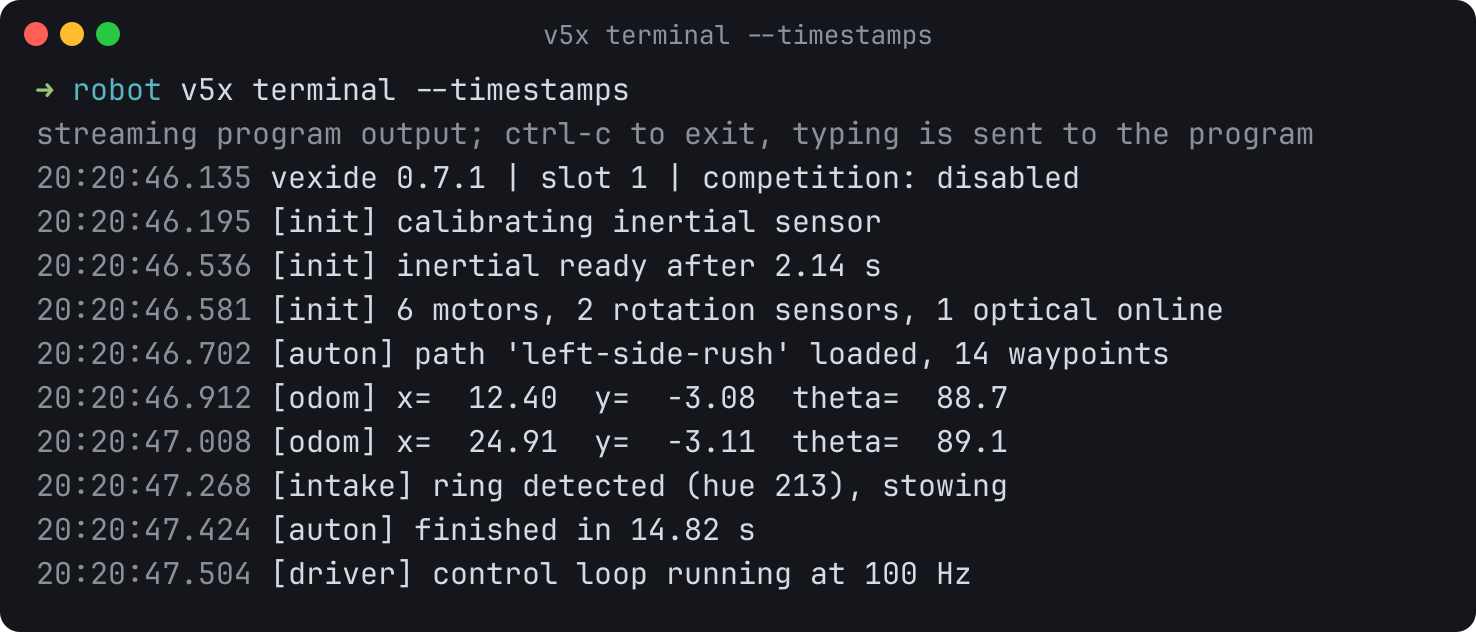
Prefix each line with the time it reached the host. Lines are only printed
once the program terminates them with a newline, so a program that prints a
prompt without one will not show it until it does.
boolean
Leave standard input alone. Use this when running under a supervisor that owns
the terminal.
boolean
Disable the colored timestamp prefix.
boolean
Print one JSON record per chunk of output, newline-delimited:
{"time":"2026-07-27T10:11:12.130Z","stream":"stdout","text":"hello\n"}.
The status banner is suppressed so the stream stays machine-readable.
string
Serial port path or id. Defaults to
V5X_PORT.Upload, run, and watch in one step
upload and run accept --terminal, which keeps the connection open and
starts streaming as soon as the program starts. This avoids the gap where a
separate v5x terminal invocation would miss the program’s first output.
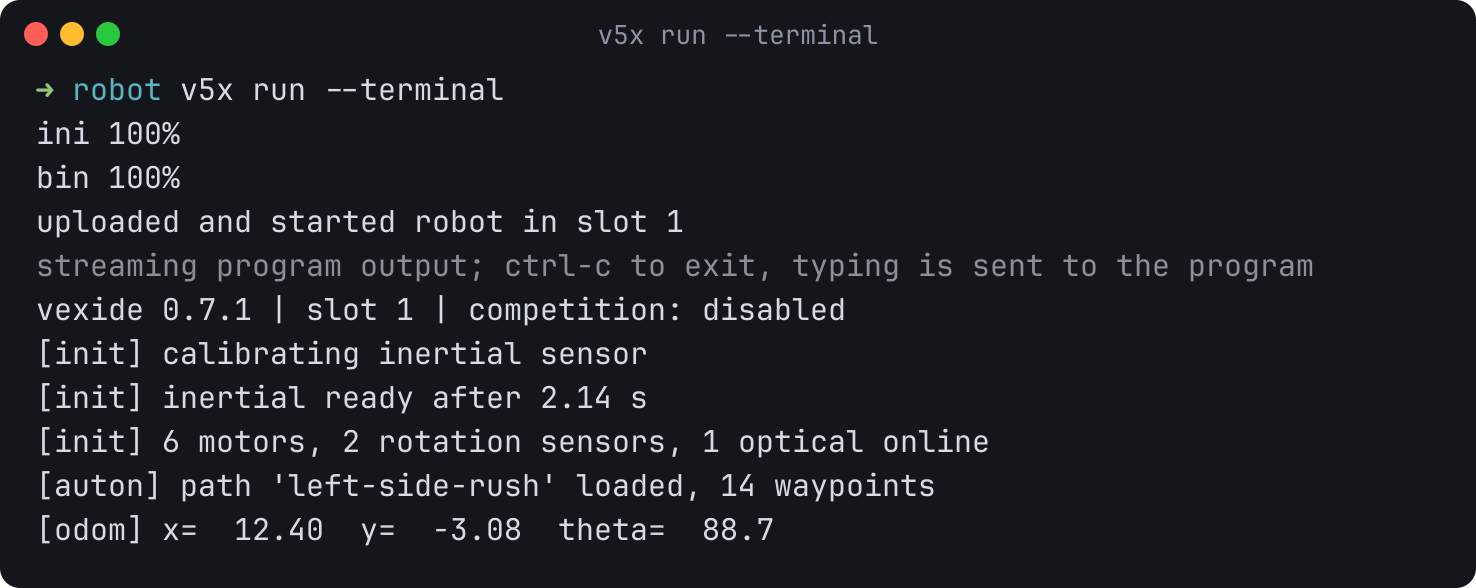
--terminal implies --run and cannot be combined with --json, because the
workflow report and the live stream cannot share standard output. Use
v5x terminal --json for a machine-readable stream.
How it works
The brain buffers program output and hands it over when the host asks, so v5x polls that buffer over the same connection it uses for every other command. This works over a direct USB connection to the brain and over a controller connection. Output can therefore be delayed (never reordered) while a large file transfer holds the link.Exit codes
A session you quit exits0. A session the device ends — the brain stopped
answering, or the cable was pulled — exits with the
device or I/O code for the underlying failure.